Quick Answer
To reset a garage door opener, check the power supply and switch the unit off for 30 to 60 seconds before turning it back on. If the remote still does not work, follow the manufacturer’s instructions to clear the opener’s memory and reprogram your remotes. Test the safety sensors and automatic reverse function according to the manual. Never adjust springs or cables yourself. If the door remains faulty or fails a safety test, contact a qualified technician.
You press the remote, and nothing happens. You try again, but you are still sitting in the driveway with the rain coming down. Sound familiar?
Many garage door opener not working problems come down to a lost signal, a power interruption or settings that need attention. A simple garage door opener reset may be all it takes to get things moving again.
Regular testing matters too. It helps identify faults early and supports safer use around children, pets and vehicles. Families can also review these driveway safety practices to reduce everyday risks around the garage and driveway.
This guide explains how to reset garage door opener settings, reprogram remotes and check the door’s safety features. You will also learn when to call a professional.
Signs Your Garage Door Opener Needs a Reset
A reset may help if you notice these garage door opener problems:
- The remote or keypad has stopped responding.
- The door opens or closes unexpectedly.
- The door reverses before reaching the floor.
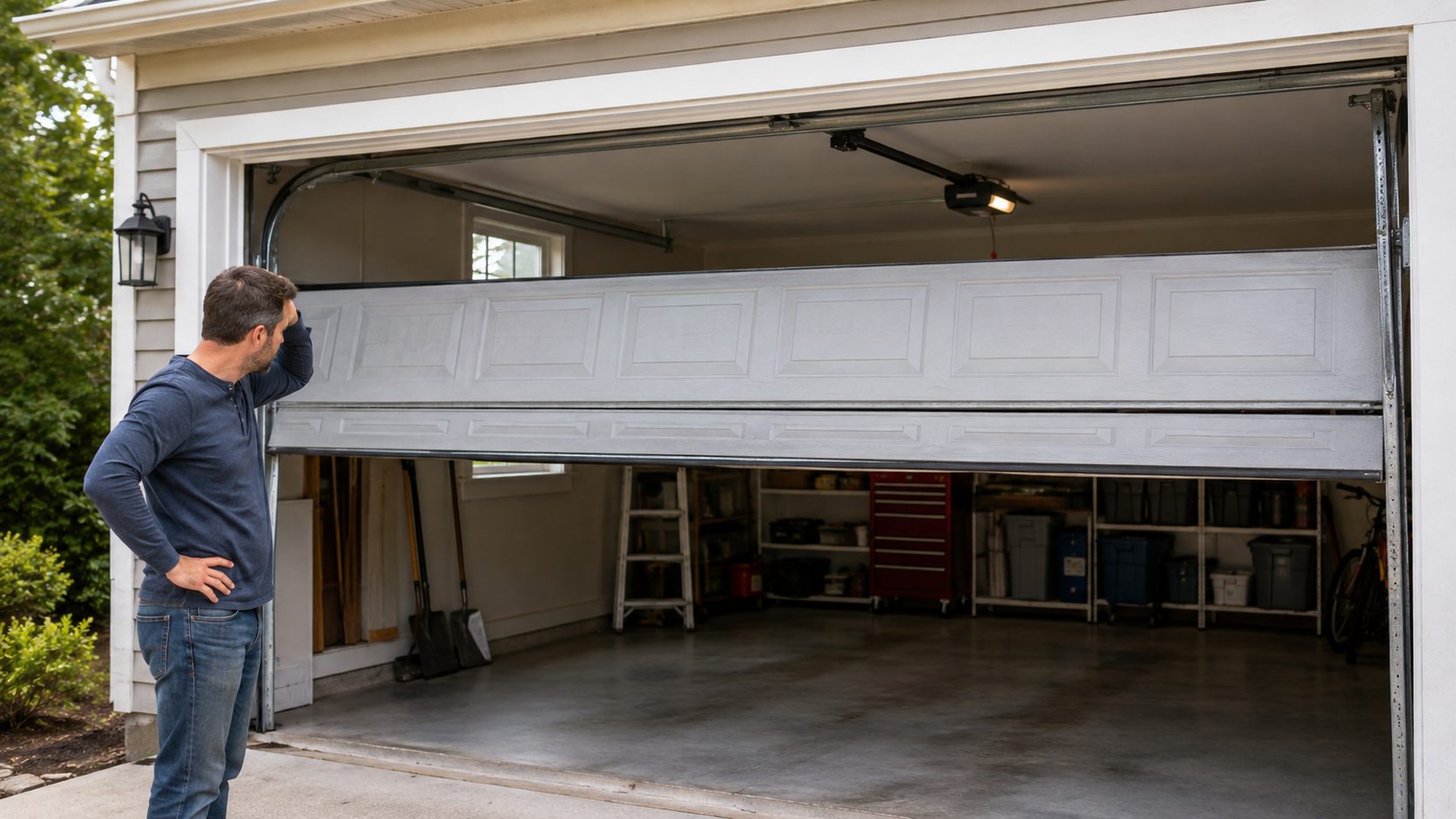
- The door stops partway through opening or closing.
- The motor unit’s lights flash unexpectedly.
- The problem starts after a blackout, storm or power surge.
- You have moved into a new home and are unsure who still has a working remote.
If your garage door opens partway then stops, the cause could be a sensor issue, an obstruction or a mechanical fault rather than a reset problem.
Before You Start: Quick Safety Checks
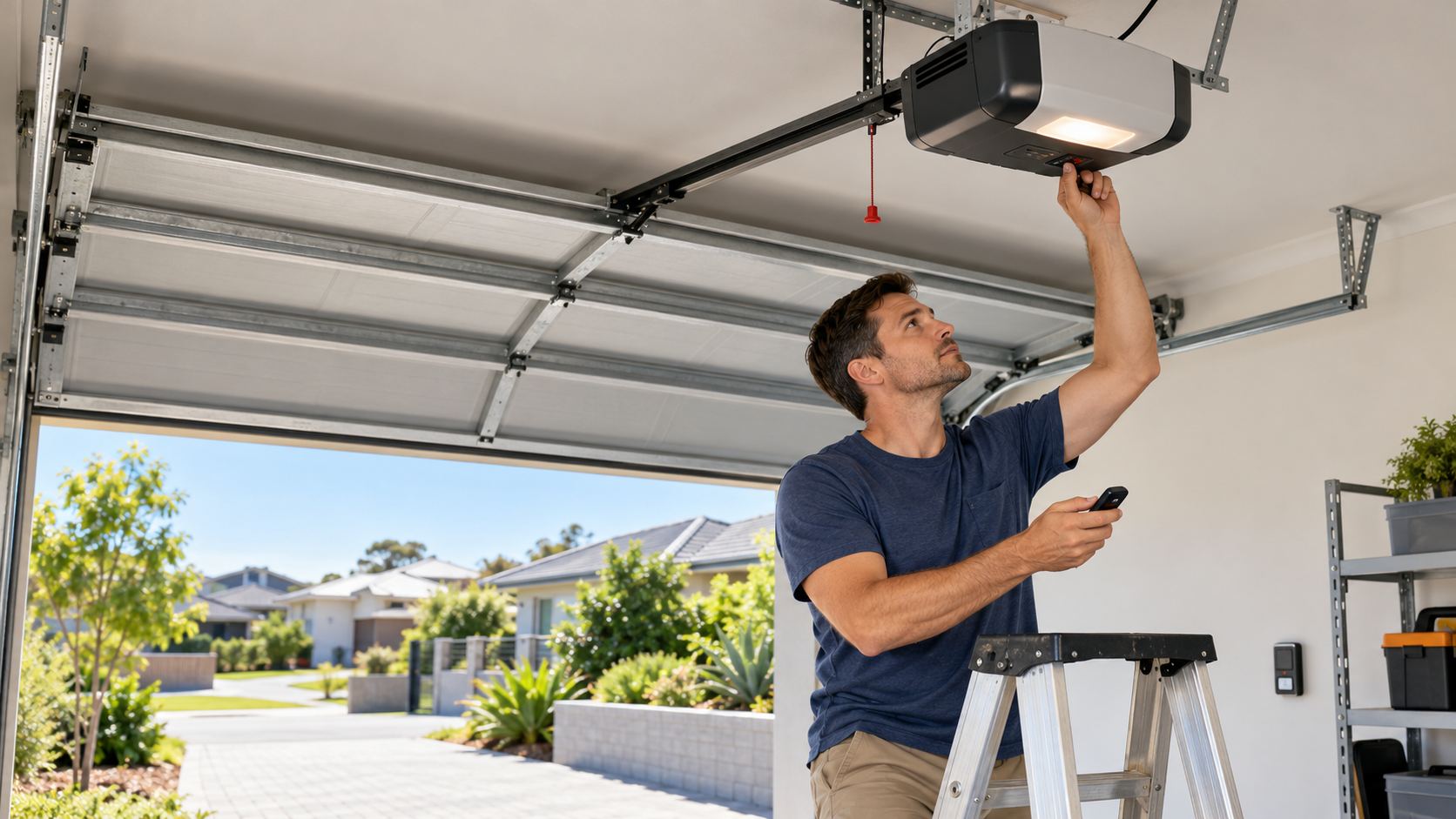
Keep children, pets and vehicles clear of the door while you work. Have the opener’s manual or model number ready, as button names and reset procedures vary between brands such as B&D, Merlin, ATA and Gliderol.
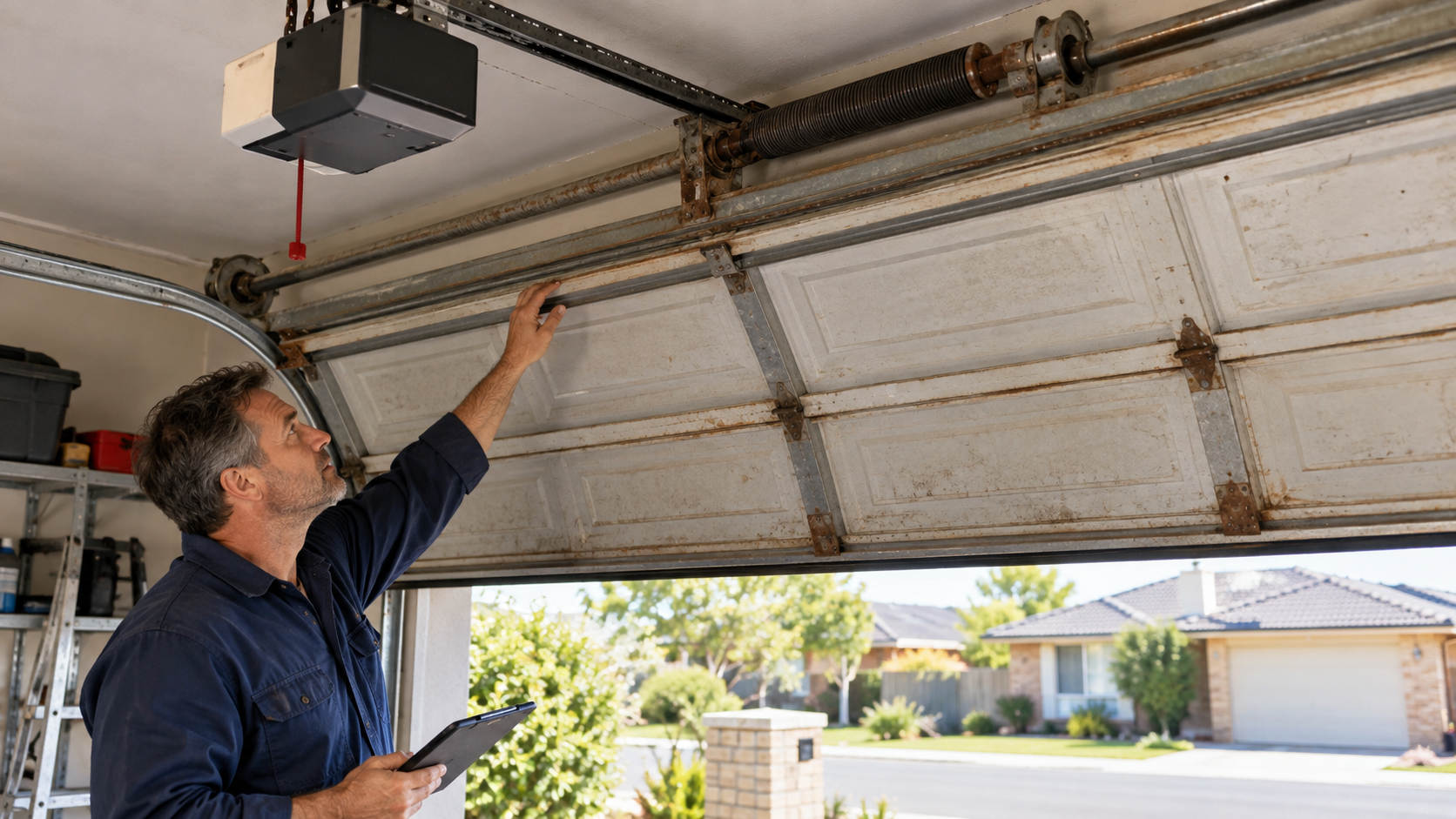
Use a stable ladder if you need to reach the motor unit. Never touch springs, cables or brackets, as these components can hold dangerous tension. If you notice a frayed cable or damaged spring, stop and arrange a professional inspection.
Safety disclaimer: Garage door springs and cables can cause serious injury. Only trained technicians should adjust or replace these components.
How to Reset and Test Your Garage Door Opener: 10 Steps
Follow these 10 steps to troubleshoot common opener issues, restore settings and check essential safety features before deciding whether professional garage door servicing is needed.
Step 1: Check the Power Supply First
Start with the basics. Make sure the opener is plugged in and the power point is switched on. Check your switchboard for a tripped circuit breaker or safety switch.
Look at the motor unit. Does its light come on? If not, there may be a garage door opener no power issue. For a solar powered opener, check the battery charge and panel connection according to the manufacturer’s instructions.
Step 2: Do a Simple Power Reset
Switch the opener off at the wall or unplug it, if the manual allows this. Wait 30 to 60 seconds, then restore the power.
This can clear minor electronic glitches after a power interruption or surge. Test the remote once the unit restarts. If the door responds normally, you may not need to do anything else.
Step 3: Clear the Opener’s Memory Using the Learn Button
Locate the learn, program or code button on the motor unit. It may sit beneath the light cover or near the antenna.
Some models allow you to clear stored remote codes by holding this button until the indicator changes. The exact method and timing vary, so check your manual first. Clearing the memory usually removes all paired remotes, so you will need to pair them again.
Step 4: Reprogram Your Remotes and Keypad
Replace weak batteries before pairing your devices. Keep loose batteries away from children, as swallowed button batteries can cause serious injury.
Follow the manufacturer’s pairing instructions. On many models, you press the learn button and activate the remote within a set time. A flashing motor light or click may confirm successful pairing.
Repeat the process for each remote and keypad. Reconnect any compatible smart home app using the instructions for your model. If the garage door remote is not working after pairing, check the battery and compatibility before trying again.
Step 5: Check the Travel Limits
Travel limits tell the opener where to stop when the door is fully open or closed. Incorrect settings can leave a gap beneath the door, stop it short or cause it to press too firmly against the floor.
Check the manual before making adjustments. Some models use buttons, while others use dials or electronic programming. Make only the recommended changes and test the door after each adjustment. If the door is not closing fully, arrange a professional inspection if the problem persists.
Step 6: Check the Force Setting
The force setting controls how much effort the motor uses to move the door. Incorrect settings can affect safe operation or cause the door to stop unexpectedly.
Do not increase the force simply to make a struggling door move. An obstruction, poor balance or mechanical fault may be responsible. Follow the manufacturer’s instructions and arrange professional help if the door continues to struggle or behave unpredictably.
Step 7: Test the Safety Sensors
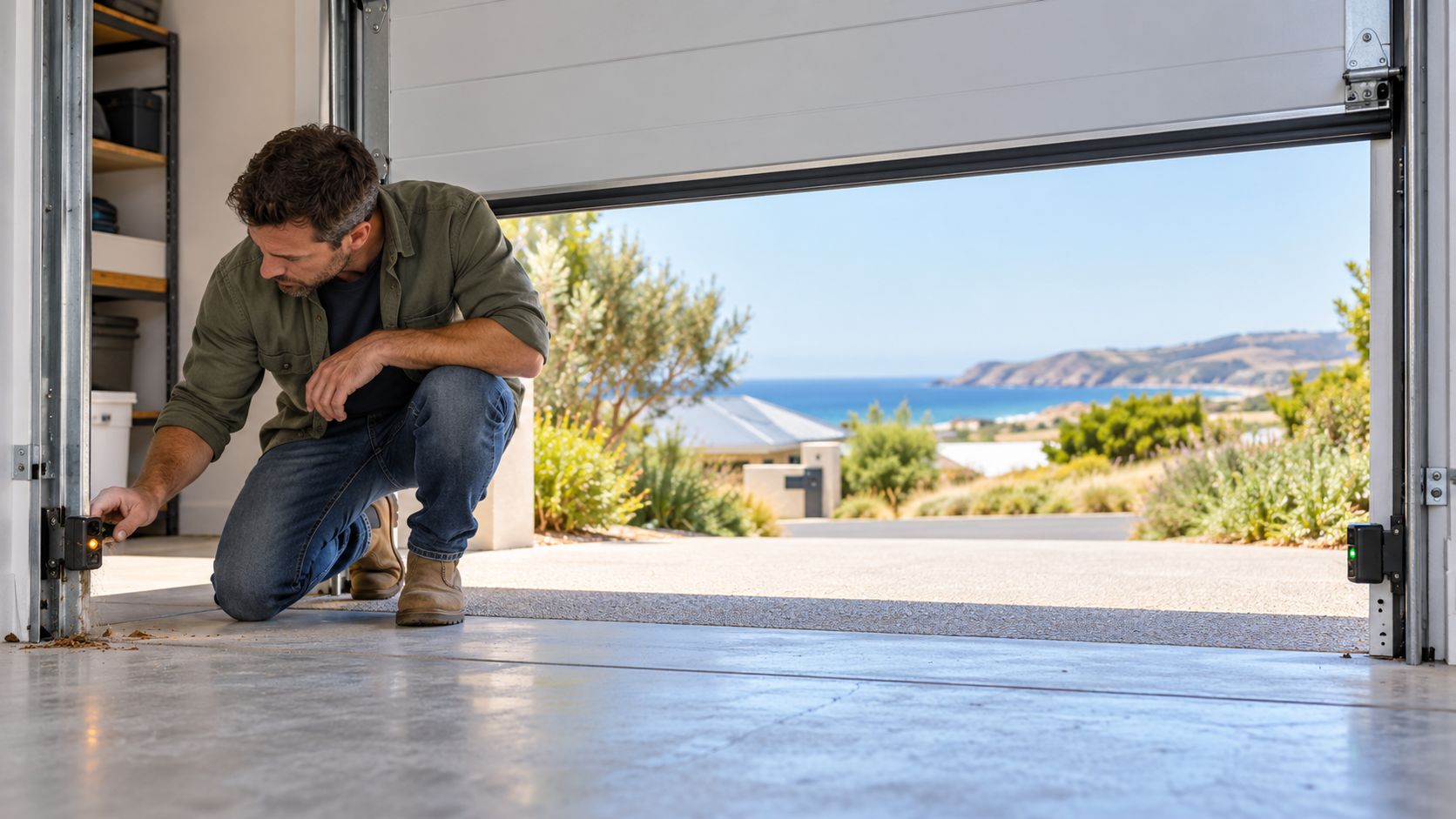
Find the photoelectric sensors near the bottom of the door frame, one on each side. Wipe the lenses clean and check that the indicator lights show the sensors are aligned.
Follow the manual’s procedure for a garage door safety sensor test while the door is closing. The door should respond as described when the beam is interrupted. Keep people and vehicles clear during testing. Dust, cobwebs and coastal residue can interfere with sensor operation around the Fleurieu Peninsula.
Step 8: Run the Automatic Reverse Test
Some manufacturers recommend testing the auto reverse function with a solid timber block of a specified height. Follow the exact procedure in your opener’s manual and keep everyone clear of the moving door.
The door should respond as described in the manufacturer’s instructions when it contacts the test object. If it does not reverse correctly, stop using automatic closing and arrange a service. Do not rely on this test alone to confirm the door is safe.
Step 9: Check the Manual Release
The manual release allows you to disconnect the door from the opener during a power failure. Check the manufacturer’s instructions before using it, and only perform the check if the door appears undamaged and can be handled safely.
Never release a door that may have a broken spring or cable. A door that is not properly supported can fall unexpectedly. If you are unsure how the garage door manual release works, ask a technician to demonstrate it during a service.
Step 10: Check the Door Balance
A poorly balanced door can put extra strain on the opener. However, checking the balance involves disconnecting the motor and moving a heavy door manually, so only do this if the manufacturer’s instructions permit it and the door is in safe working condition.
If the door feels unusually heavy, drops, rises by itself or moves unevenly, stop testing it. Do not attempt to adjust the springs. A qualified technician can assess the garage door balance and repair the underlying fault.
When a Reset Isn’t Enough: Call a Professional
A reset will not solve every problem. Arrange professional garage door repairs if:
- The motor hums but the door does not move.
- You hear grinding, clicking or straining noises.
- The door fails a safety test.
- Springs or cables appear damaged.
- The door moves unevenly or feels unusually heavy.
- The opener continues to malfunction after following the manual.
Older openers may lack features found in newer models, such as compatible smart controls or battery backup. A technician can help you compare repair and replacement options. If you are considering an upgrade, review the available garage door automation options.
Quick Monthly Testing Checklist
Save this garage door maintenance checklist and review it each month:
- ☐ Test the remote and keypad.
- ☐ Clean the sensors and check their alignment.
- ☐ Test the automatic reverse function according to the manual.
- ☐ Check the manual release instructions.
- ☐ Listen for unusual noises.
- ☐ Look for visible damage to cables, rollers and panels without touching damaged parts.
- ☐ Arrange professional servicing if anything seems wrong.
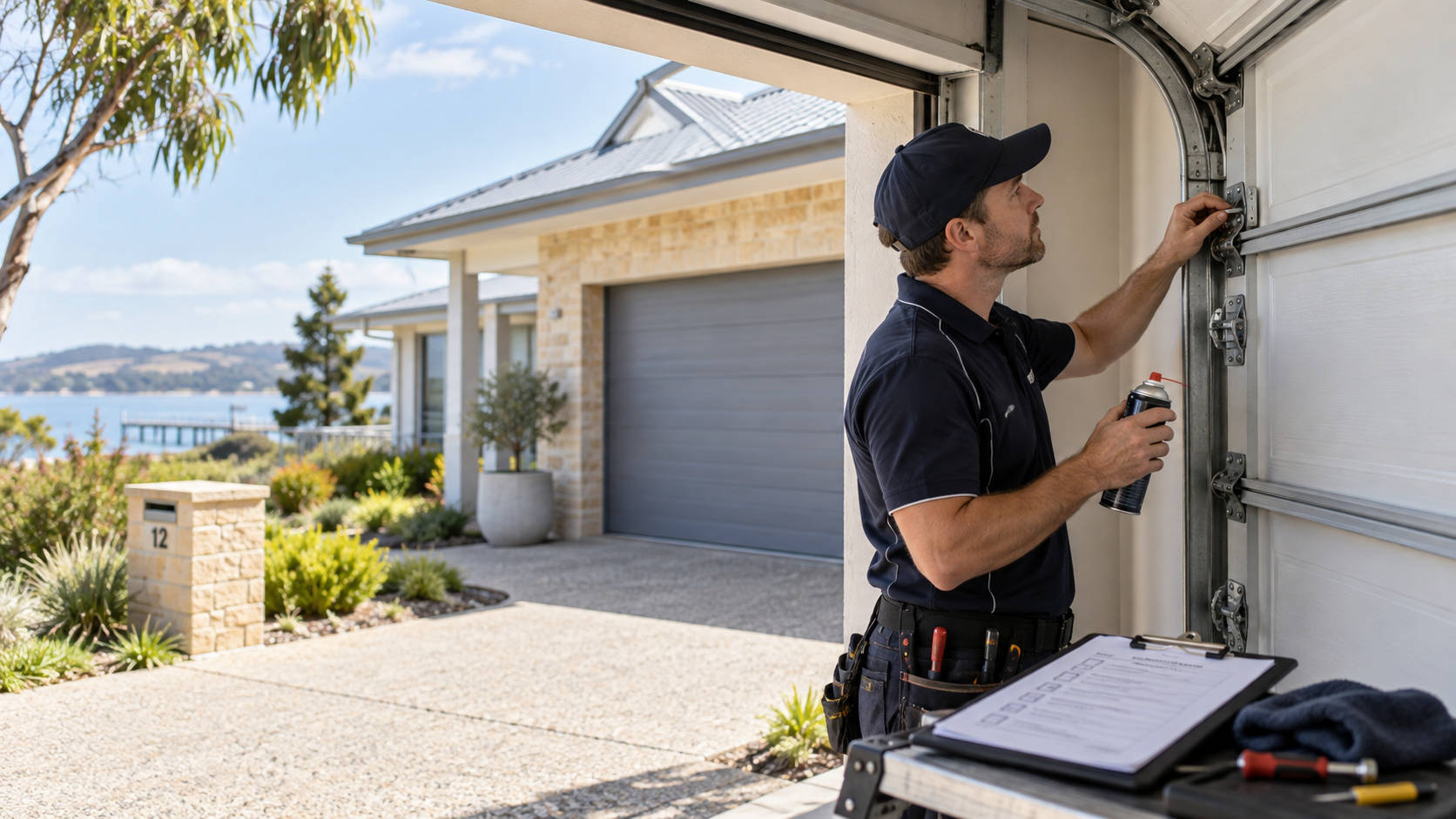
Regular checks can help you spot problems early. Follow the recommended annual garage door service schedule and arrange an inspection whenever you notice unusual movement, noise or damage.
Frequently Asked Questions
Make Sure Your Garage Door Opener Works Safely
A power reset or remote reprogramming may resolve minor faults, but safety checks are just as important. Regular testing can help identify problems early and keep your garage door operating as intended.
If you need help resetting your garage door opener, or the door still will not work correctly, Filip’s Garage Doors can assist with repairs, servicing and automation across the Fleurieu Peninsula.
Call (08) 8555 4269 or contact our team online to arrange a service.