G’day folks! If you’ve got a busy household with multiple drivers, having one remote for the garage door just isn’t practical. Fortunately, you can pair multiple remotes to one garage door opener, offering greater flexibility and ease for all family members.
Why Pair Multiple Remotes to a Garage Door Opener?
With the average household having more than one car, it makes sense to have more than one garage remote. Pairing multiple remotes ensures each driver in the family can easily access the garage without the hassle of constantly sharing one remote. Plus, it’s a savvy choice if you’ve got visitors or a granny flat out back. So let’s dig into how this can be done!
Understanding the Garage Door Opener Pairing Process
Pairing a garage door opener with various devices, whether it’s a remote control, keypad, or even pairing it with your vehicle’s HomeLink system, is quite straightforward. Here’s a comprehensive guide on how to do just that.
Step 1: Locate the ‘Learn’ Button
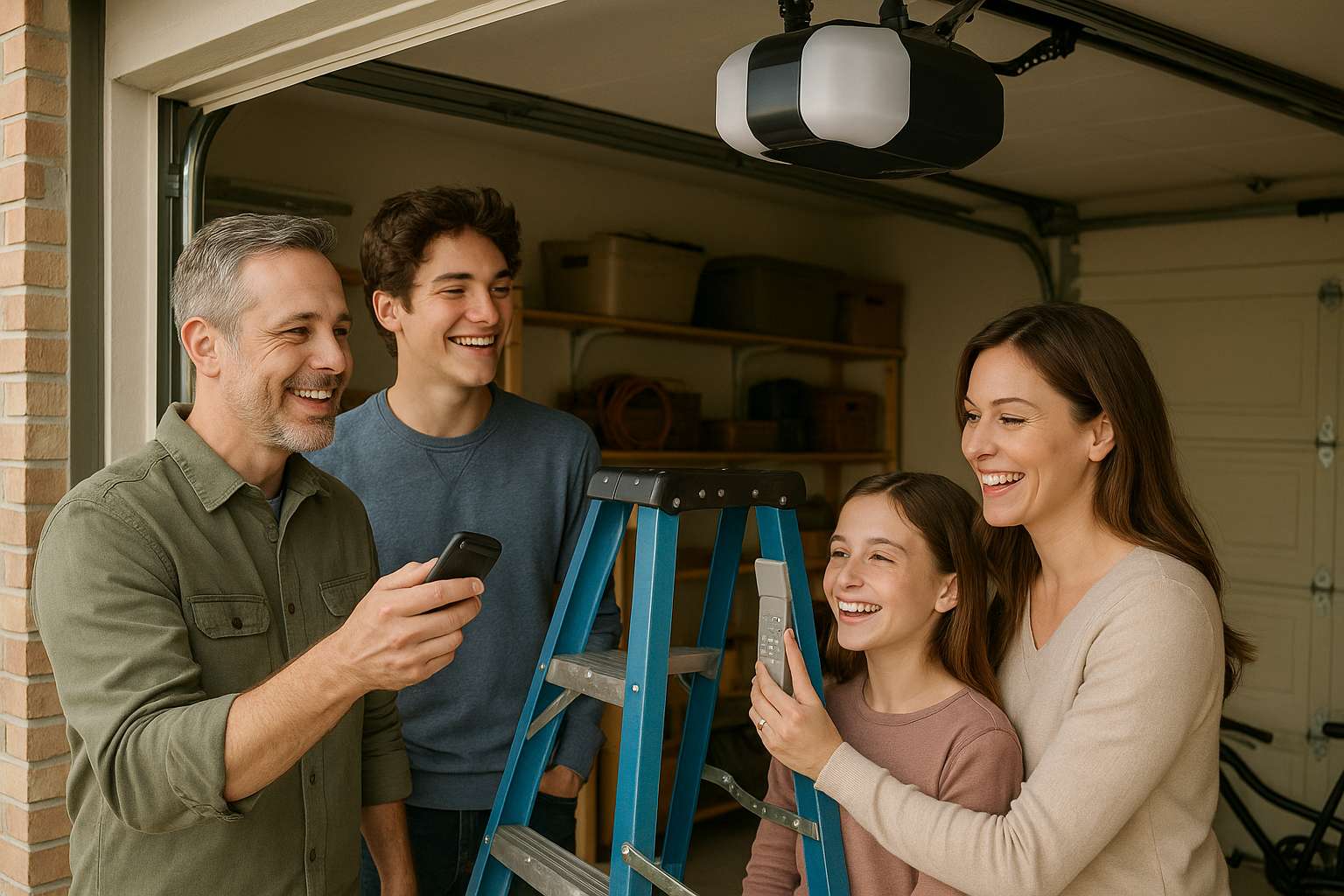
This magical button is the beginning of all things pairing. On most garage door openers, you’ll find the ‘learn’, ‘programme’, or ‘smart’ button on the motor that’s usually hanging from the ceiling.
- Accessing the Opener: Grab a ladder – safety first! – and make your way up to the motor.
- Spotting the Button: It might be hidden behind a cover or marked in a distinct colour, such as purple, to separate it from other controls.
Step 2: Pairing a Remote Control
Now that you’ve found the ‘learn’ button, here’s how to set up those remotes:
- Activate the Learn Button: Give it a press and hold until the LED on the motor starts a blinkin’.
- Press the Remote Button: With the opener in learning mode, quickly press the button on your remote control.
- Confirmation: Look for an LED flash or listen for a clicking sound confirming the pairing was successful.
Repeat this process for any additional remotes. Too easy!
Step 3: Pairing a Keypad
Need to get the whole keypad situation sorted too? Follow these similar steps:
- Activate the Learn Button: Just like with the remotes, press this button until the LED blinks.
- Input Your Code: Enter your desired access code in the keypad and press ‘enter’. You’ve got a time window of 30 seconds!
- Test It: Give it a whirl and see if your newly paired keypad opens the garage door.
Step 4: Pairing with a Vehicle’s HomeLink System
If your wheels come with a HomeLink system, it’s straightforward to get that paired with your modern garage door opener as well.
- First, Sync Your Remote with HomeLink: Come up as close as 3 inches to press the button on your garage door remote and the HomeLink button in your car simultaneously until the indicator light changes.
- Now Sync with Your Opener: Back to the ceiling! Press the ‘learn’ button once more, hop back in the car, and hold the paired HomeLink button down. Rinse and repeat several times until that garage door sings open.
- Test the System: Once paired, use your HomeLink button in the car to ensure everything’s operating as it should.
Tips and Troubleshooting
What If I Have an Older Garage Door Opener?
No worries, cobber – some older models might lack the modern flair of today’s openers. Hunt down the user’s manual from the dusty drawers, and if in doubt, a professional can guide you along.
What If I Can’t Get It to Pair?
If your device refuses to cooperate, try reprogramming it using the steps above. Make sure your remote batteries are up to date and the lines are clear between the device and the opener.
Security Considerations
Worried about the security side of things? Fret not! Most modern garage door openers use rolling code technology, which cyclically changes the code after each door operation to keep you, your family, and your garage safe and secure.
Additional Handy Tips
- Rope in a Mate: An extra set of hands when inputting a keypad code can make the whole process less stressful.
- Keep the Manual Close: Each opener might have its quirks, so consulting the user manual is never a bad move.
- Thorough Testing: Try it all out a couple of times to make sure everything’s working seamlessly.
There you have it, folks! With these steps and tips, pairing multiple devices with your garage door opener should be a breeze, whether it’s remotes, keypads, or your vehicle’s HomeLink system. Should you face any hiccups, a trusty manual or a professional can help smooth out the bumps. Happy pairing!