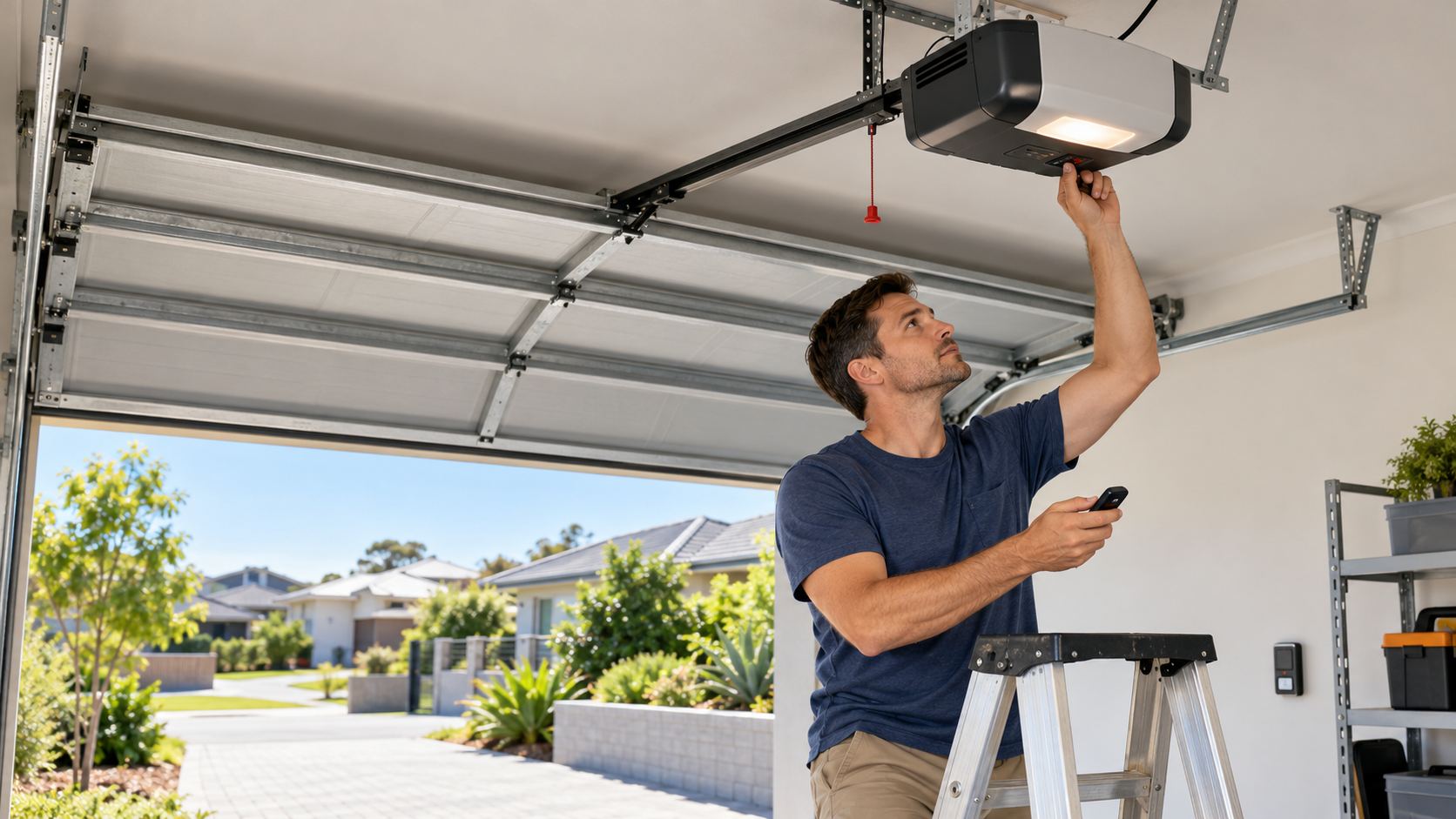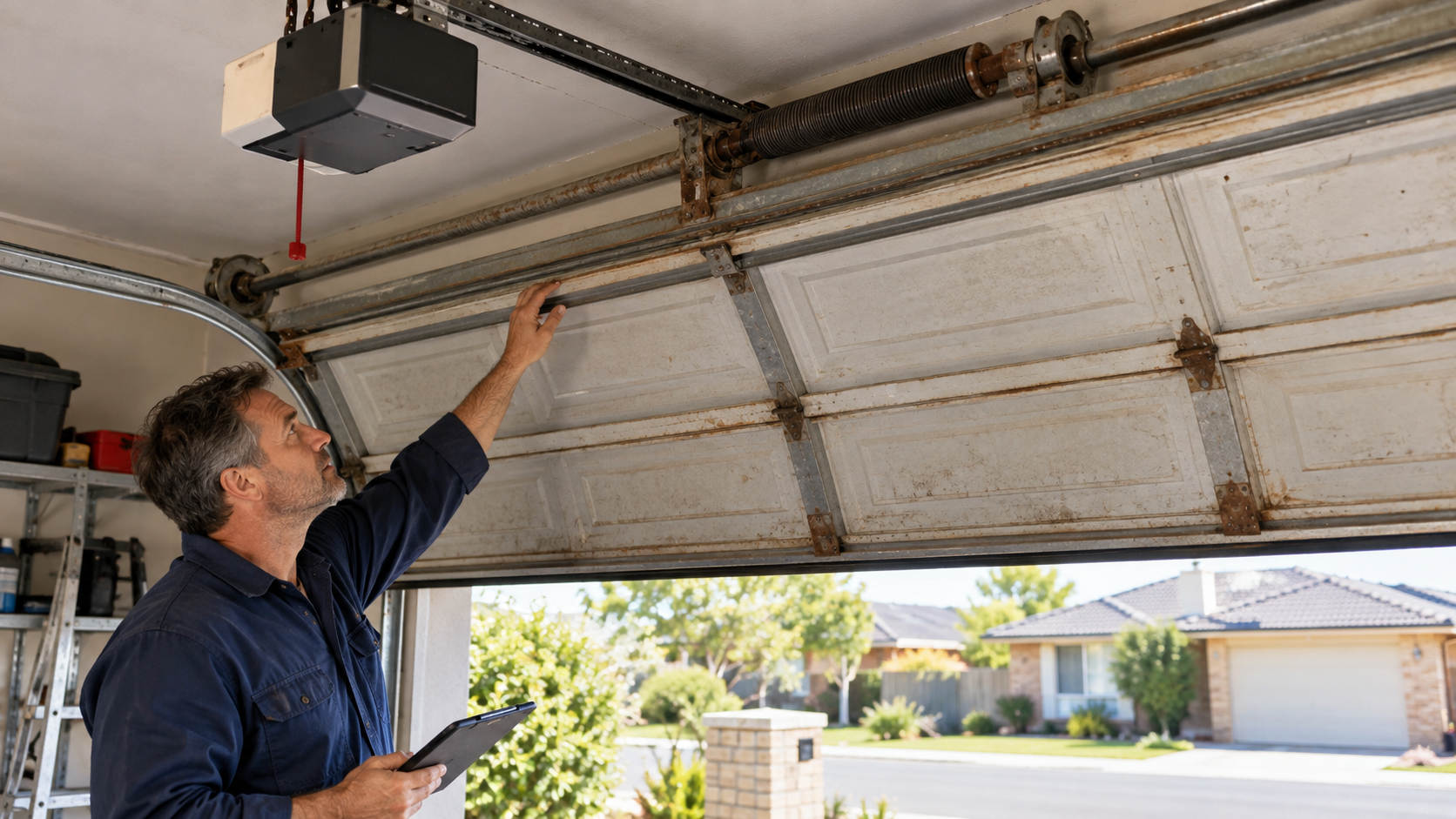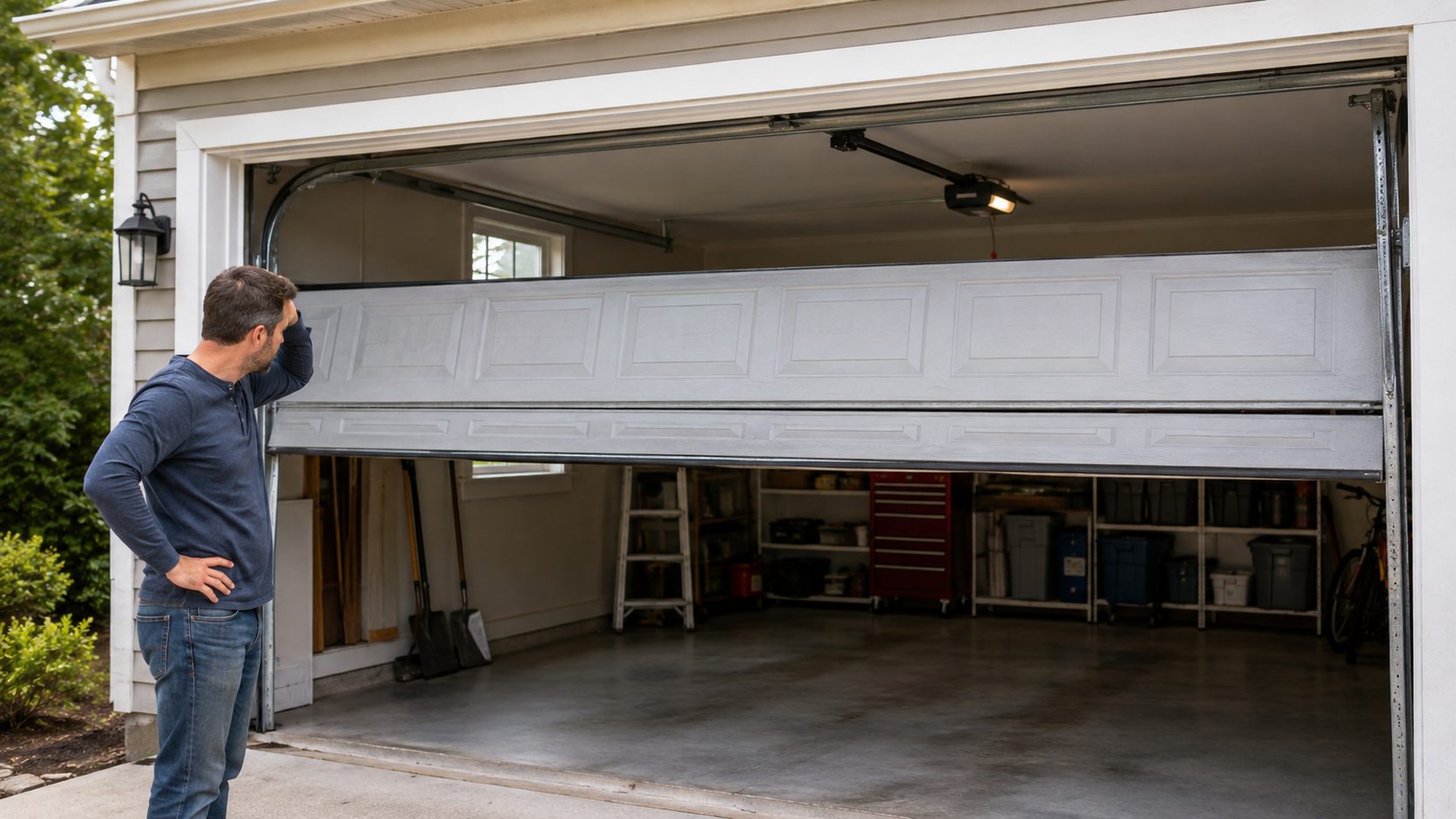

You know that moment when you pull into the driveway, press the garage remote, and… nothing happens? Instead of hearing the motor hum to life, you’re just sitting there, pressing the button, hoping it suddenly decides to work.
It’s annoying at the best of times, and even worse when it’s bucketing down, dark, or you’ve got groceries warming up in the boot. But before you call a technician or assume the remote’s done for, it’s worth doing a few quick checks. Most garage door remote signal issues have quick, easy fixes you can handle yourself.
In this guide, we’ll run through how to troubleshoot your garage door remote step by step. By the end, you’ll have a clear idea of what’s causing the problem, what you can safely sort out yourself, and when it’s time to bring in a professional.
Understanding Your Garage Door Remote
Not all garage door remotes are the same, and the type you have can affect how it behaves and how you fix it.
Let’s break it down in simple terms.
Standard Remotes
These are the classic clickers most homeowners use. They usually have one or more buttons, so you can control multiple garage doors. Standard remotes are simple, reliable, and work with most home systems, though some older garage doors may not be compatible because of different frequencies.
Visor Remotes
Visor remotes are designed to slip into your car’s sun visor, so they’re always within reach. The bigger buttons make them easy to use without needing to look down. They’re perfect for daily drivers who need quick, hands-free access.
Built-In Car Remotes
Many modern vehicles now include built-in garage door controllers, typically located near the rear-view mirror or on the overhead console. Once programmed, they let you open your garage with the press of a button.
Smart Remotes
Technology has definitely stepped things up. Smart remotes connect through a smartphone app or smart home system, letting you open or monitor your garage door from anywhere. They’re convenient, secure, and perfect for tech-savvy homeowners.
How Garage Door Remotes Work
While designs can vary between brands and models, most garage door remotes use one of three main technologies to communicate with your opener: radio frequency, rolling code, or the older dip switch system.
Radio Frequency (RF)
Radio frequency (RF) is the most common technology. The remote sends out a radio signal that your garage door opener’s receiver picks up, telling it to open or close. These signals can travel through walls and cars, which makes them reliable for everyday use.
Rolling Code (Intellicode)
To keep things secure, many modern remotes use rolling code technology. After every press, the code changes automatically and makes it almost impossible for someone to copy your signal. It’s a built-in layer of protection for your garage door and home.
Dip Switch
An older technology, dip switch remotes use a set of small switches inside both the remote and the opener. You match the switches to the same pattern, so they can communicate. It’s less common nowadays but still dependable (just a bit more manual to set up).
Troubleshooting Common Garage Door Remote Issues
Has your garage door remote suddenly stopped working? Don’t worry. Most problems are simple to fix once you know where to look. Below are some of the most common culprits and how to solve them.
Battery Problems
Always start with the basics. A weak or dead battery is the number one reason for remote malfunctions. Replace the battery with a fresh one and test the remote again.
Radio Frequency Interference
Garage door remotes rely on radio signals, which can be disrupted by nearby electronics such as Wi‑Fi routers, LED bulbs, or baby monitors. If your remote only works when you’re very close to the opener, interference could be the cause. Try moving electronic devices away from the opener or, if possible, adjust the remote’s frequency channel.
Misaligned or Blocked Sensors
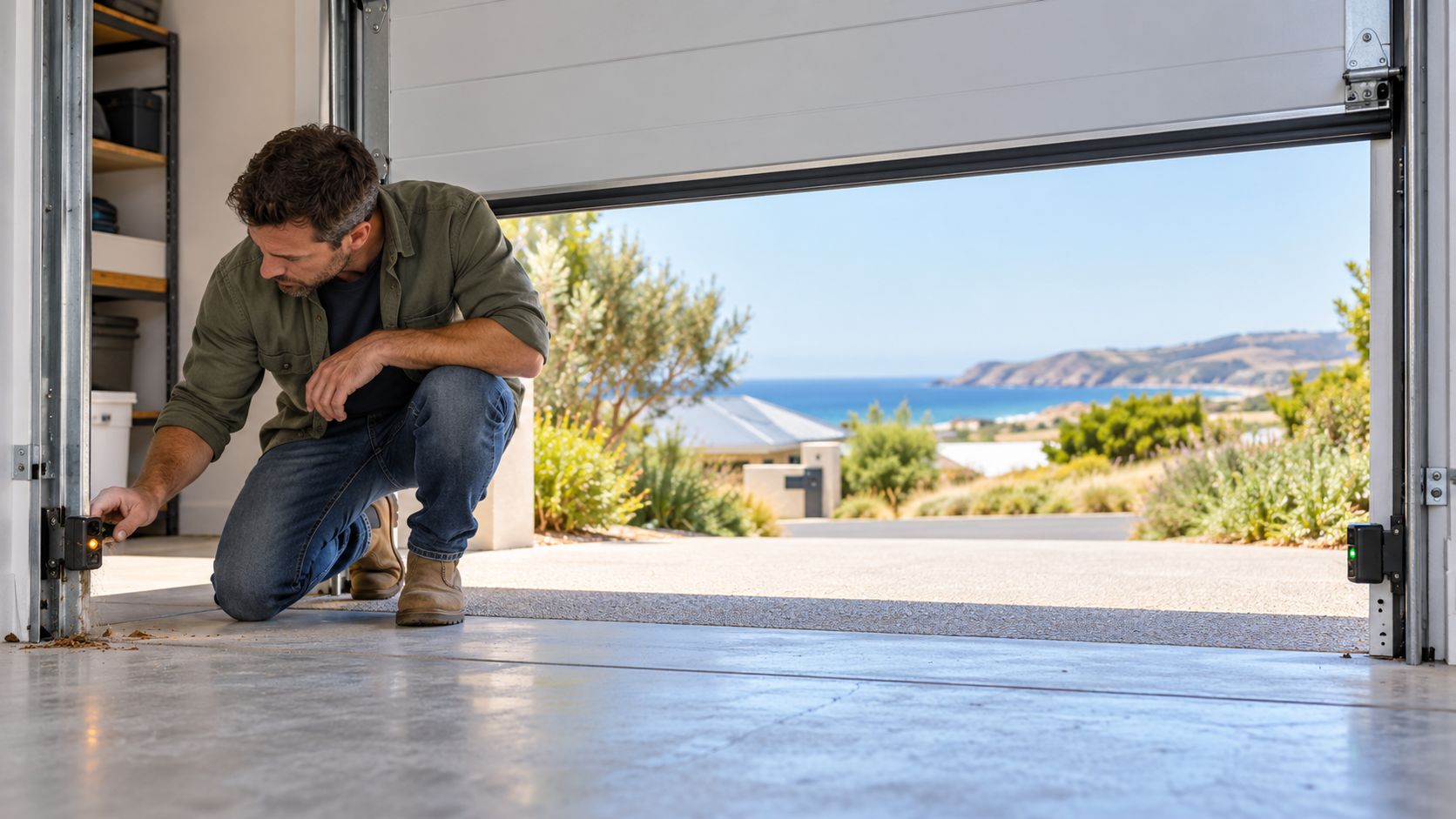
The safety sensors near the floor of your garage door must be aligned for proper operation. If they’re dirty, misaligned, or obstructed, the door won’t close properly. Clean the lenses gently, make sure they’re facing each other, and remove any obstacles.
Wall Lock Control Feature
Many garage door systems include a Lock or Vacation feature that temporarily disables remote access. If the wall unit lights flash when you press the remote, this lock is likely activated. Hold the Lock button for a few seconds to turn it off, then test your remote again.
Reprogramming the Remote
Sometimes the remote simply loses its connection to the opener. To fix this, locate the Learn button on your motor unit, press and hold it to erase old codes, then pair your remote again following the manufacturer’s instructions.
In case the pairing doesn’t take, unplug the opener for about a minute, plug it back in, and repeat the process.
Additional Tips and Features to Keep in Mind
If none of the basic fixes worked, or you just want to boost your setup a bit, here are a few more tricks to get rid of garage door remote signal issues for good.
Smart Technology Integration
Modern systems connect directly to your Wi‑Fi and let you open, close, or monitor your garage door straight from your smartphone. Some even sync seamlessly with voice assistants like Google Home or Amazon Alexa, so you can control your door hands‑free.
External Wiring and Antenna Fixes
Take a look at the wiring around the motor unit. Loose connections or worn-out wires can affect how signals are received.
Also, check the antenna. It should be hanging down freely and not tucked away or damaged. If your garage sits in an area with a lot of signal interference, adding an external antenna can improve range and consistency.
Battery Backup
Power outages can catch you off guard, especially during storms.
Some newer garage door systems come with battery backup, which keeps the door working even when the power is out. You can still get your car in or out without any hassle.
Keep Your Garage Door Remote in Top Condition
At the end of the day, most garage door remote signal issues are simple and quick to fix. The key is not to overthink it. Most of the time, it’s a small issue causing a big inconvenience.
Sort that out, and you’ll be back to opening your garage with a single click.
If you’ve tried everything and the issue still isn’t budging, it might be time to get a professional involved. The team at Filip’s Garage Doors can quickly diagnose the problem and get your system running the way it should.
Whether it’s a faulty remote, signal issues, or a full system upgrade, we’ve got the tools and experience to sort it out properly.
Book your service today!